

1
Welcome
Press Get Started to begin the setup process.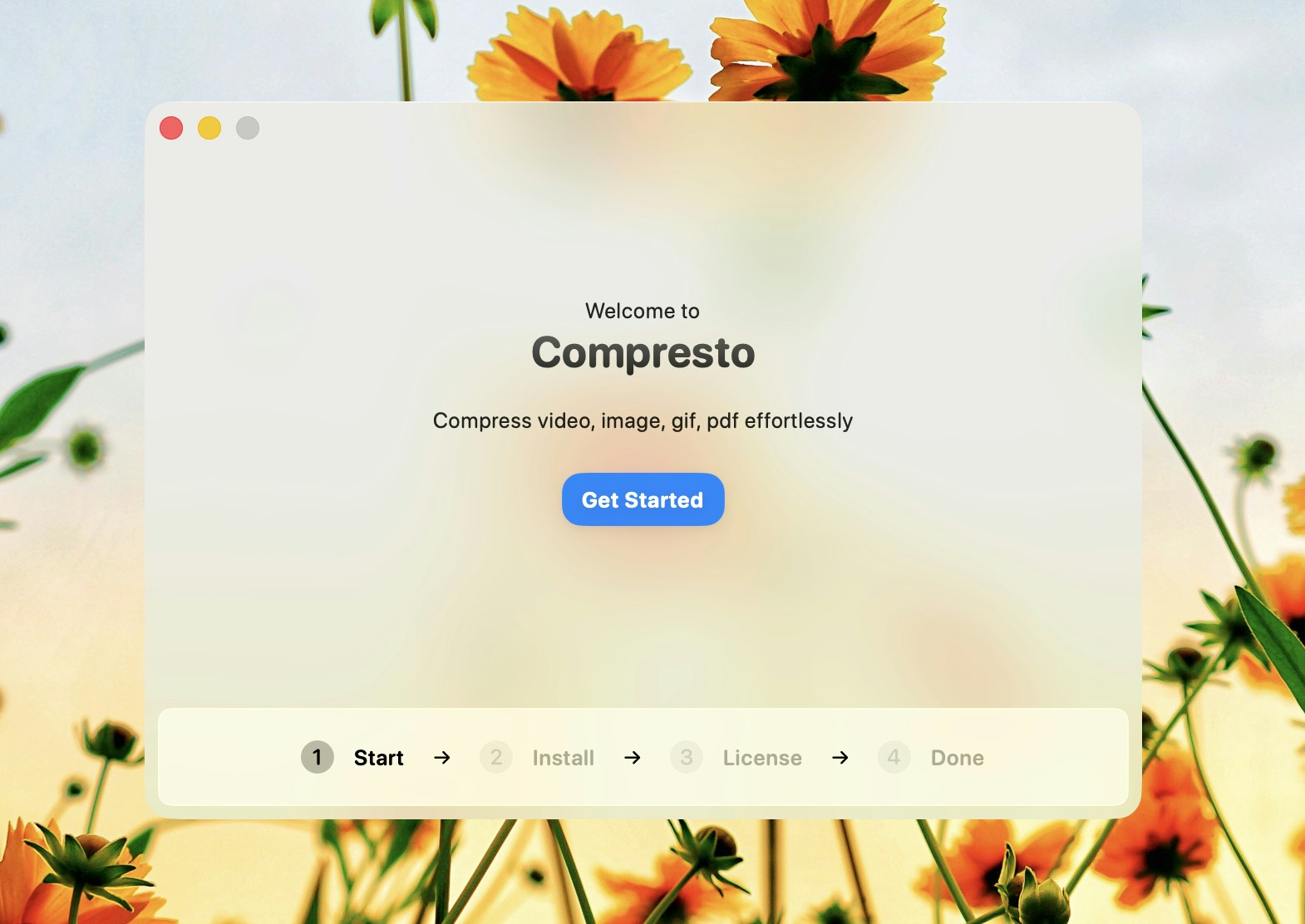
2
Installation
Compresto will automatically download and install all required dependencies. This usually takes a few minutes.A progress bar shows the installation status. Once complete, press Next to continue.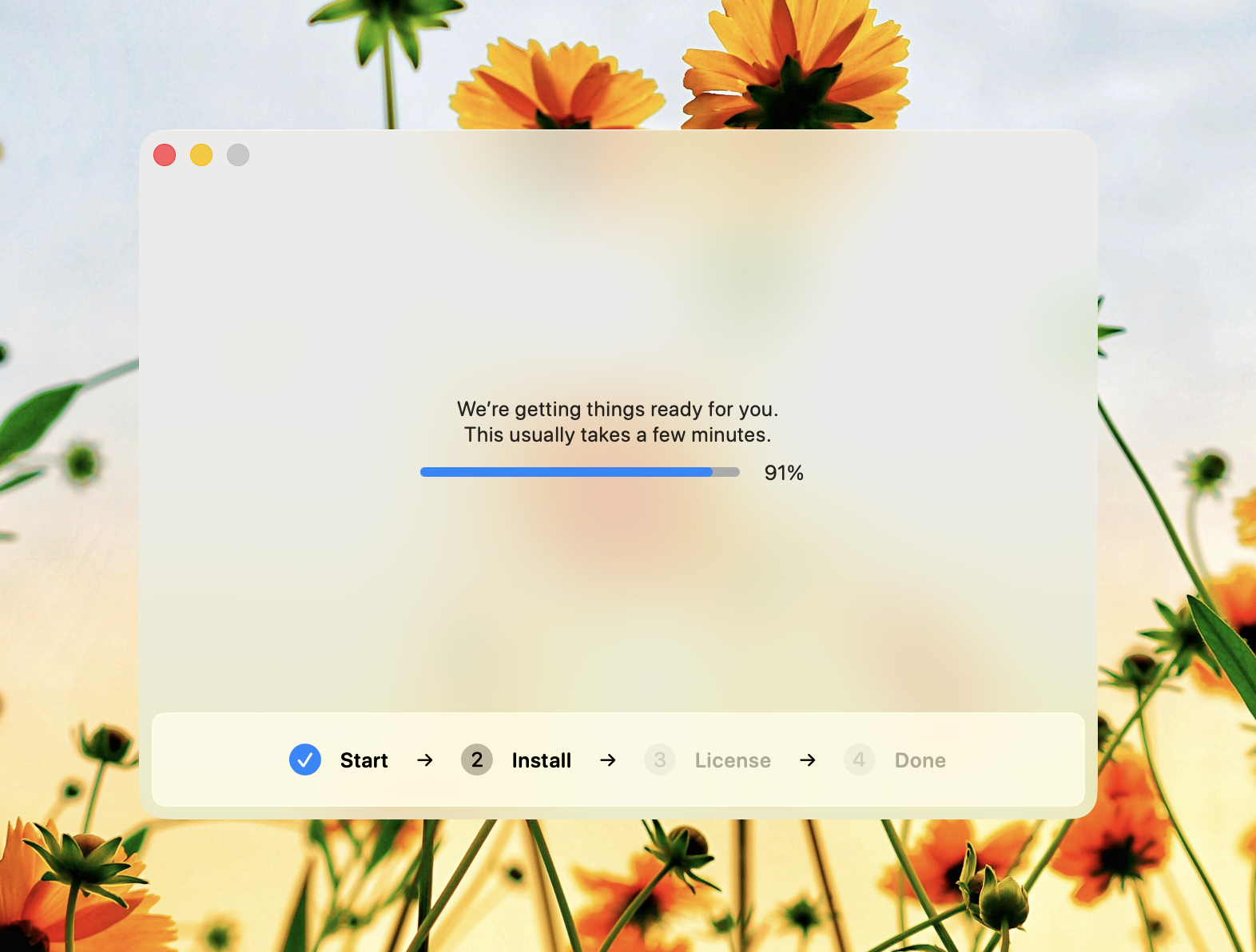
If installation fails, press Try Again to retry. Make sure you have an active internet connection.
3
License Activation
Enter your license key and press Activate to activate Compresto.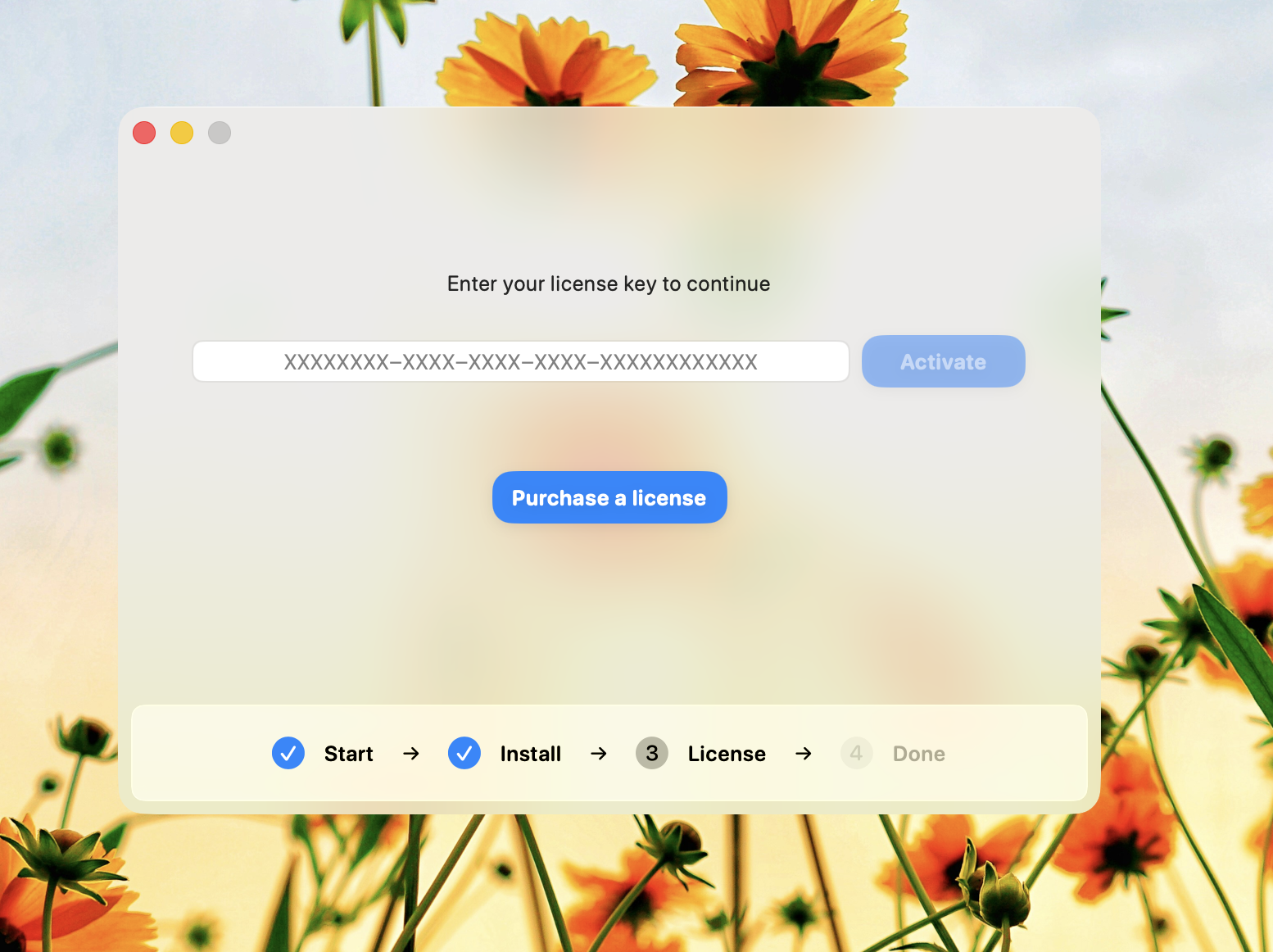
Don’t have a license key? Purchase one at compresto.app/pricing
4
Done
You’re all set! Press Continue to start compressing files.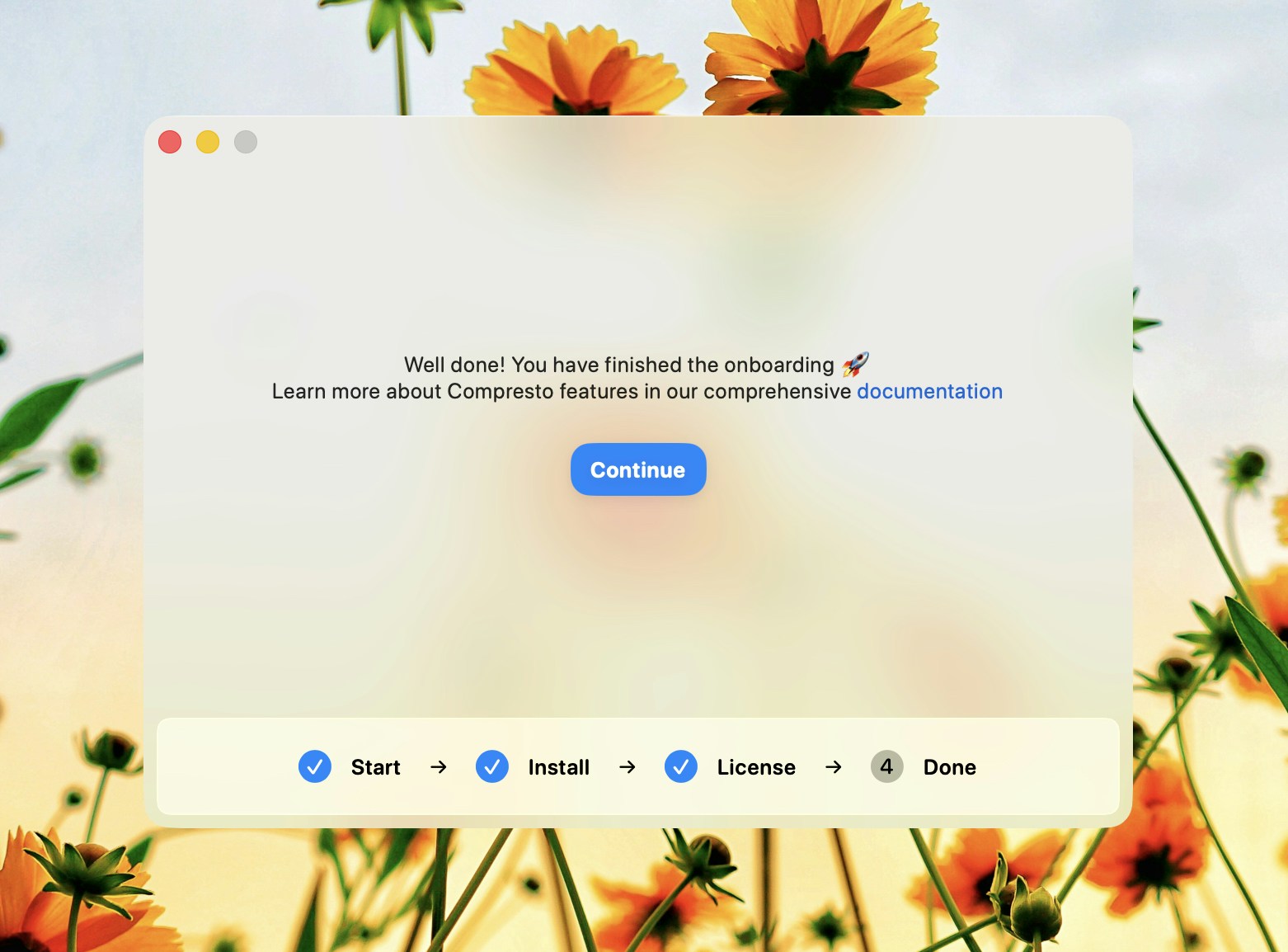
What Gets Installed
During the installation step, Compresto downloads these components:- FFmpeg - For video and GIF processing
- Gifski - For high-quality GIF creation
- pngquant - For PNG optimization
- Ghostscript - For PDF compression
Troubleshooting
Installation stuck or failed
- Check your internet connection
- Press Try Again to restart installation
- If the issue persists, restart the app
License activation failed
- Verify your license key is correct (format: XXXXXXXX-XXXX-XXXX-XXXX-XXXXXXXXXXXX)
- Check that you haven’t exceeded the activation limit
- Ensure you have an active internet connection
Need to redo setup
If you need to go through the setup again:- Quit Compresto
- Delete the app preferences (hold Option while clicking “Compresto” menu > “Reset Preferences”)
- Relaunch Compresto