

Overview
Ghostscript is required to compress PDF files in Compresto. Developed by Artifex Software, Inc., Ghostscript is a leading PDF rendering and conversion tool.If you have Homebrew installed, Compresto will automatically attempt to install Ghostscript when you first try to compress a PDF.
Quick Install (Homebrew Users)
If you have Homebrew installed, simply click the Install Ghostscript via Homebrew button in the app.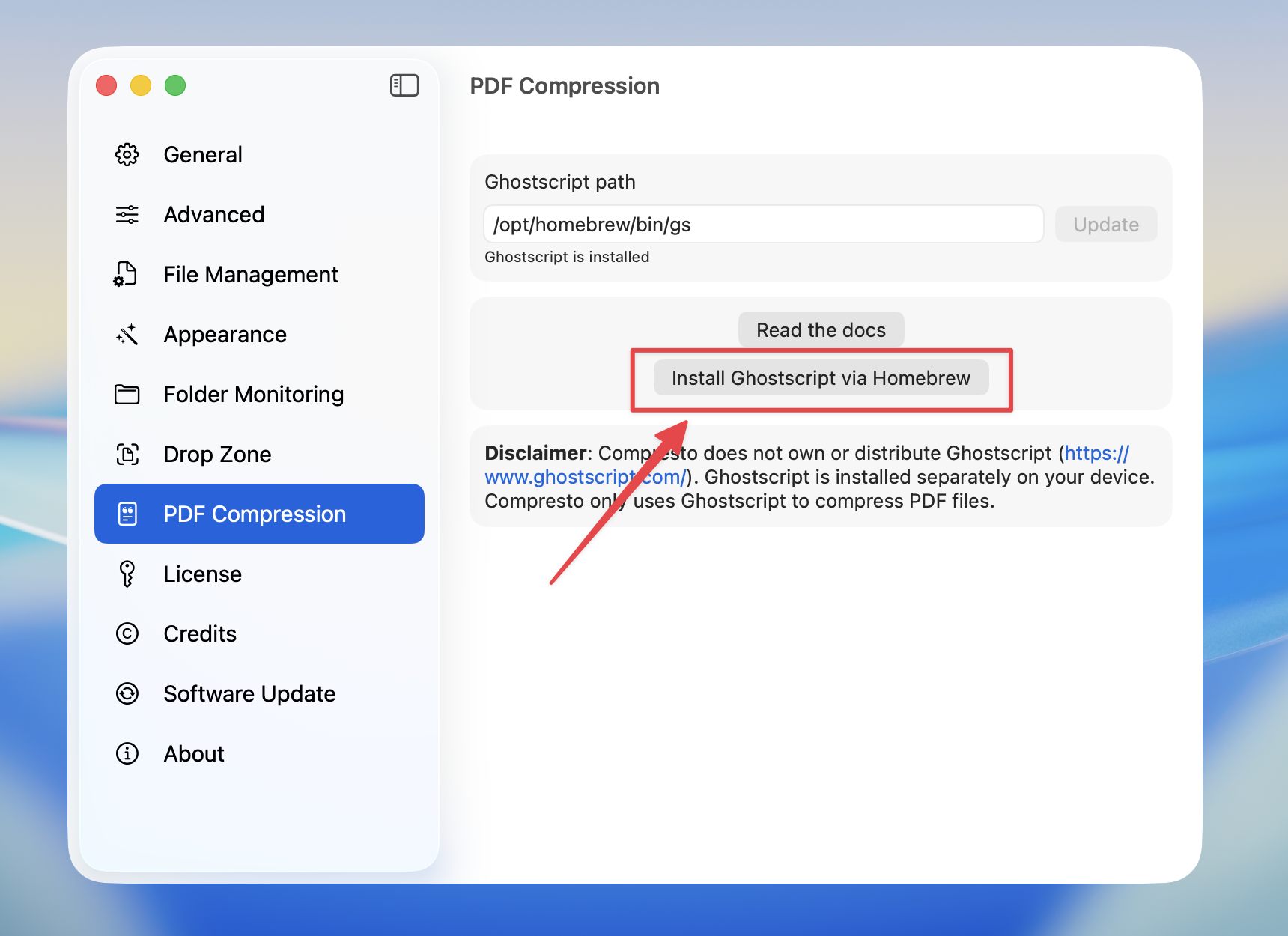
brew install ghostscript and automatically configure the path for you.
Manual Installation
If you don’t have Homebrew or prefer manual installation:- Homebrew
- MacPorts
1
Install Homebrew
If you don’t have Homebrew, install it from brew.sh
2
Install Ghostscript
3
Find the path
- Apple Silicon Mac:
/opt/homebrew/bin/gs - Intel Mac:
/usr/local/bin/gs
Configure Path in Compresto
After installation, set the Ghostscript path in Compresto:1
Open Settings
Go to Settings > PDF Compression
2
Enter the path
Copy the output from 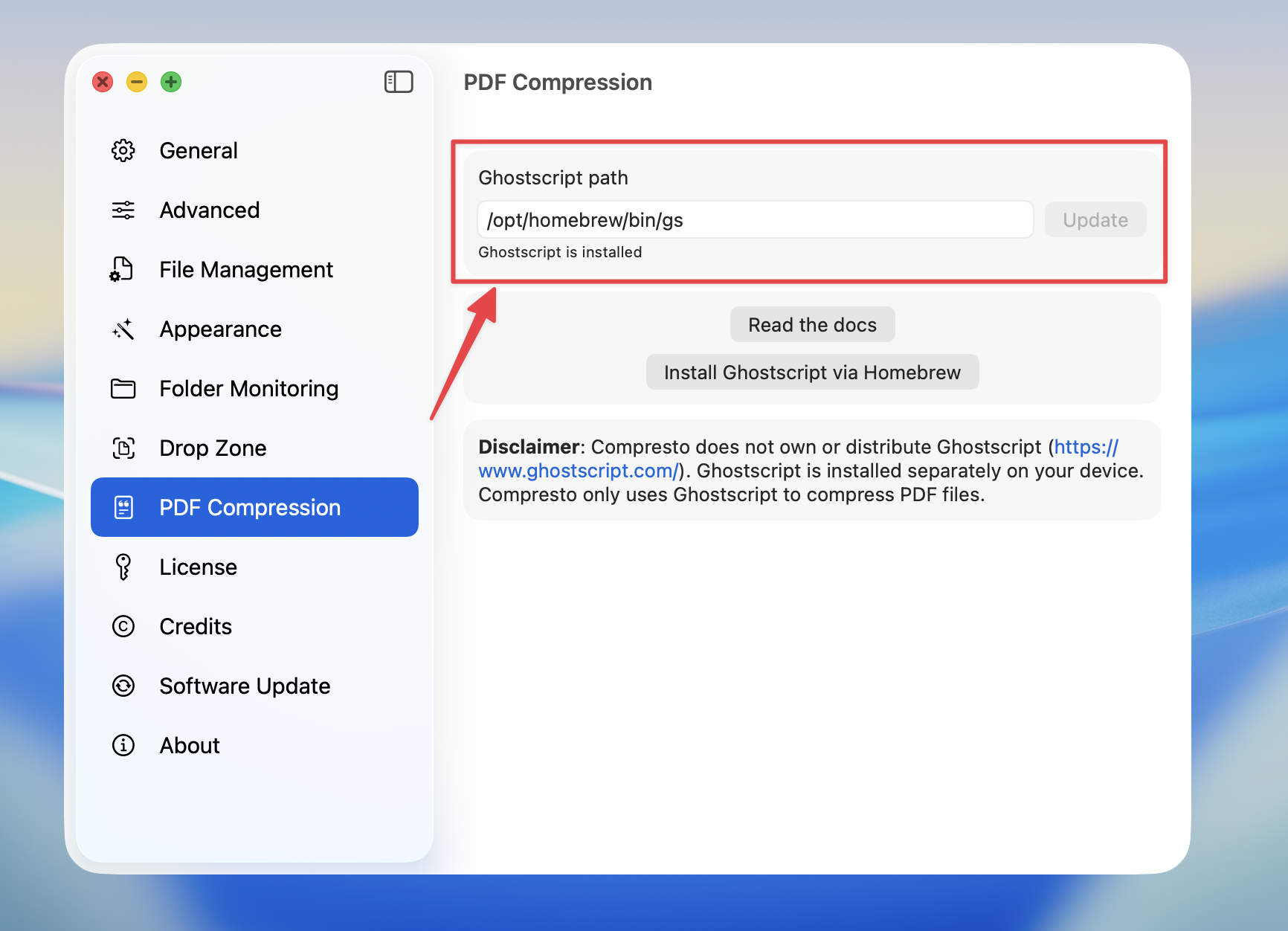
which gs and paste it into the Ghostscript path field3
Click Update
Press the Update button to save the path
Common Paths
Troubleshooting
”Ghostscript is not installed” error
This means the Ghostscript path is not configured. Follow the steps above to install and configure Ghostscript.Path not working
- Open Terminal and run
which gsto verify the correct path - Make sure the path ends with
/gs(not/ghostscript) - Ensure Ghostscript was installed successfully by running
gs --version