

Overview
Compresto allows you to choose the video encoding codec used during compression. The codec affects the compression efficiency, file size, and compatibility of your output videos.Available Codecs
Comparison
H.264
- Compatibility: Excellent - works on almost all devices, browsers, and platforms
- Compression: Good compression with reliable quality
- Processing speed: Generally faster encoding
- Best for: General use, sharing online, maximum compatibility
H.265/HEVC
- Compatibility: Limited - may not work on older devices or some browsers
- Compression: Better compression (smaller files at same quality)
- Processing speed: Slower encoding
- Best for: Archiving, when file size is critical, newer Apple devices
How to Configure
1
Open Compresto
2
Go to Settings > Advanced
3
Select your preferred codec from the Video encoding codec dropdown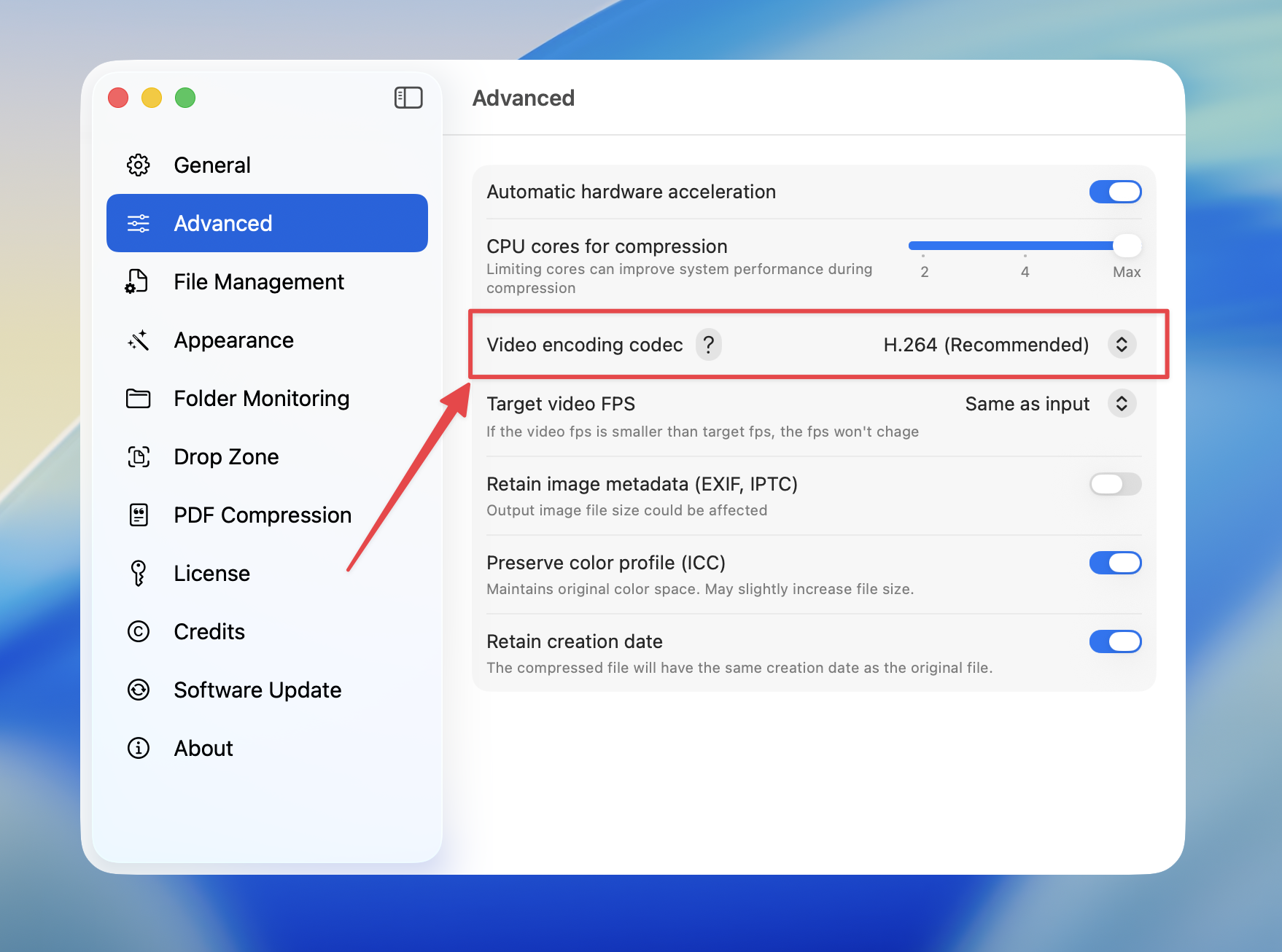
H.264 is recommended for most users due to its wide compatibility. Only use H.265/HEVC if you specifically need smaller file sizes and your target devices support it.