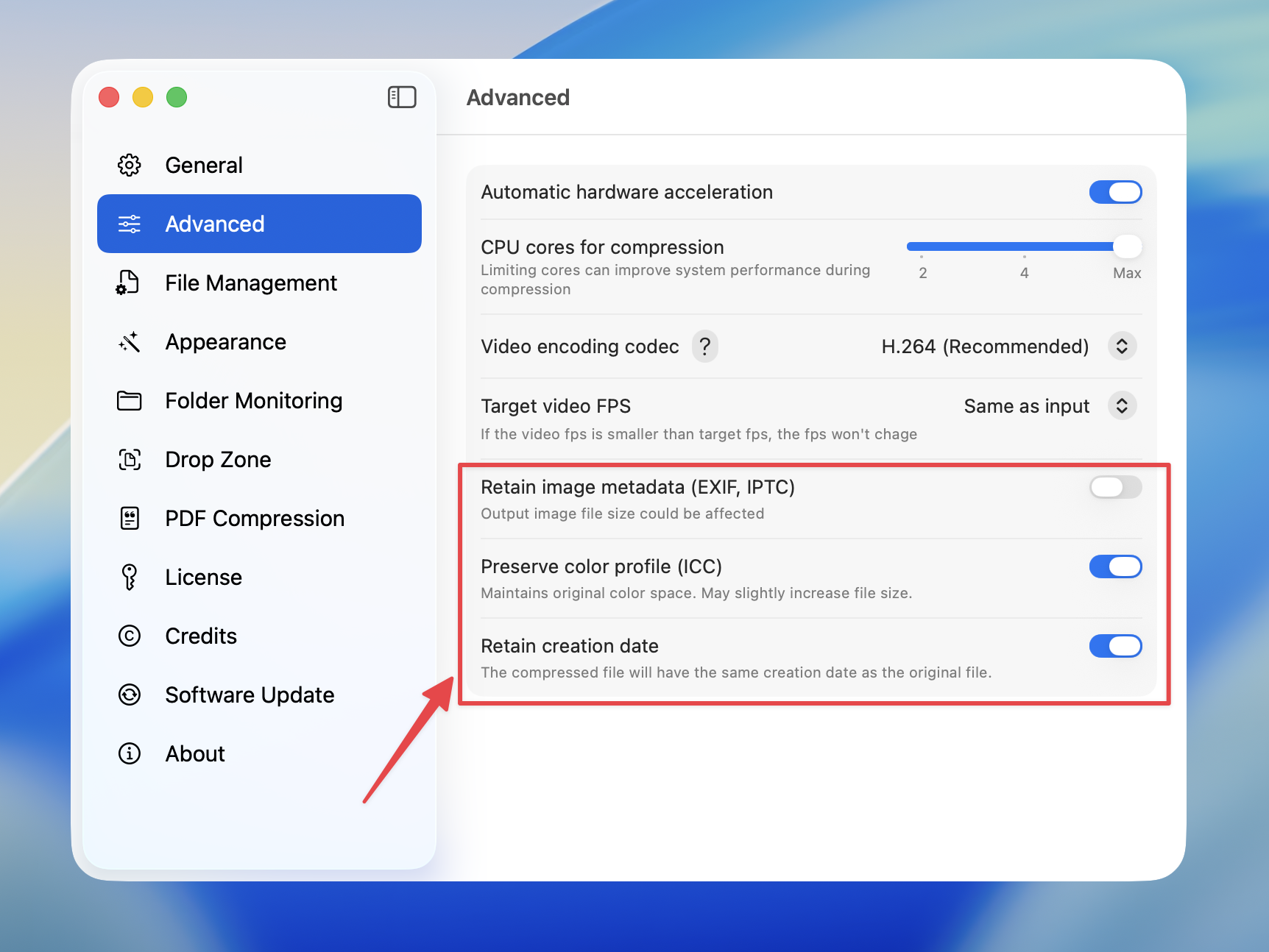
Overview
By default, Compresto strips metadata from files during compression to achieve smaller file sizes. However, you can choose to preserve various types of metadata when needed.Available Options
Retain Image Metadata (EXIF, IPTC)
Preserves camera and photo information embedded in your images. EXIF data includes:- Camera make and model
- Date and time the photo was taken
- Exposure settings (aperture, shutter speed, ISO)
- GPS location (if available)
- Lens information
- Copyright information
- Author/creator details
- Keywords and captions
- Location descriptions
Preserve Color Profile (ICC)
Maintains the original color space of your images. This is important for:- Professional photography workflows
- Print production
- Color-accurate displays
- Images with specific color gamuts (Adobe RGB, ProPhoto RGB, Display P3)
Preserving color profiles may slightly increase file size but ensures colors display correctly across different devices.
Retain Creation Date
Keeps the original file creation date on the compressed output. Without this option, compressed files will have the current date as their creation date. Useful for:- Maintaining photo library organization
- Preserving chronological order in file managers
- Archival purposes
How to Configure
1
Open Compresto
2
Go to Settings > Advanced
3
Toggle the metadata options you want to preserve:
- Retain image metadata (EXIF, IPTC)
- Preserve color profile (ICC)
-
Retain creation date