

Overview
Compresto allows you to limit the number of CPU cores used during compression. This setting helps balance compression performance with system responsiveness.Available Options
When to Use
Limiting CPU cores can improve system performance during compression by:- Keeping your Mac responsive while compressing large files
- Allowing you to continue working on other tasks during compression
- Reducing system heat and fan noise on intensive compression jobs
How to Configure
1
Open Compresto
2
Go to Settings > Advanced
3
Adjust the CPU cores for compression slider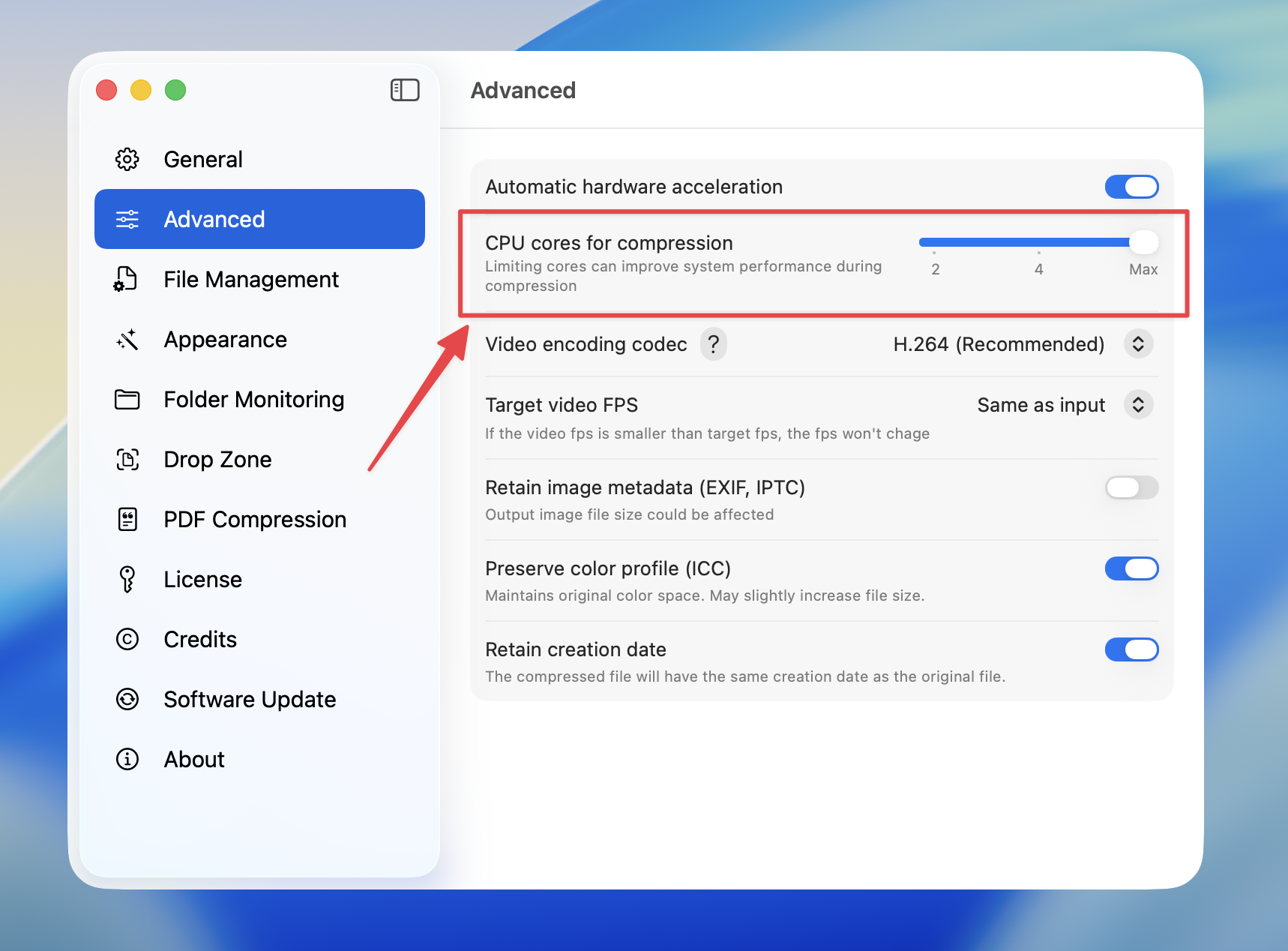
Using fewer cores will result in slower compression times, but your system will remain more responsive for other tasks.