

Overview
Compresto can extract the audio track from any video file and save it as a high-quality MP3. This is useful for extracting music, voiceovers, podcasts, or any audio content from video files.Quick Start
1
Click on the selection panel, or drag and drop video files into it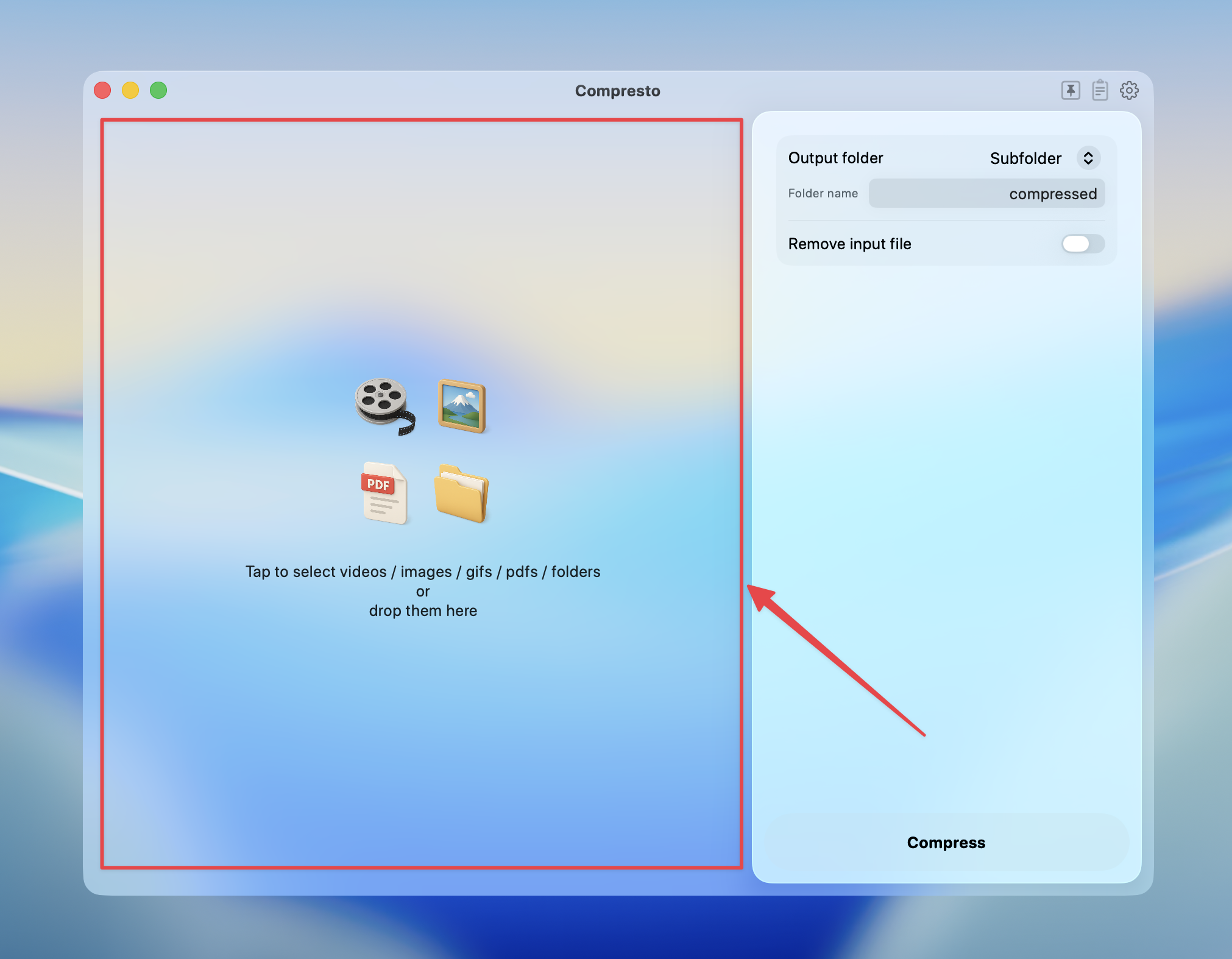
2
Select MP3 as the output format in the video options
3
Press Compress to start the extraction
4
View results and open the MP3 files in Finder
Audio Quality
Compresto uses the highest quality VBR (Variable Bit Rate) encoding via thelibmp3lame encoder. This produces MP3 files with excellent audio fidelity while keeping file sizes efficient.
Tips
- Source audio required: The video must contain an audio track. Videos with no audio will produce an empty or invalid file.
- Supported inputs: Works with any video format Compresto supports — MP4, MOV, WebM, MKV, etc.
- File size: The output MP3 size depends on the audio duration and complexity, not the video resolution or size.
- Batch extraction: You can extract audio from multiple videos at once — each will produce a separate MP3 file.