Compresto v1.25 update: Flexible Video Resizing, Sleep Timer, AI File Renaming & More
🚀 Version 1.25 is Live
We've packed a lot into this release. Here's everything new:
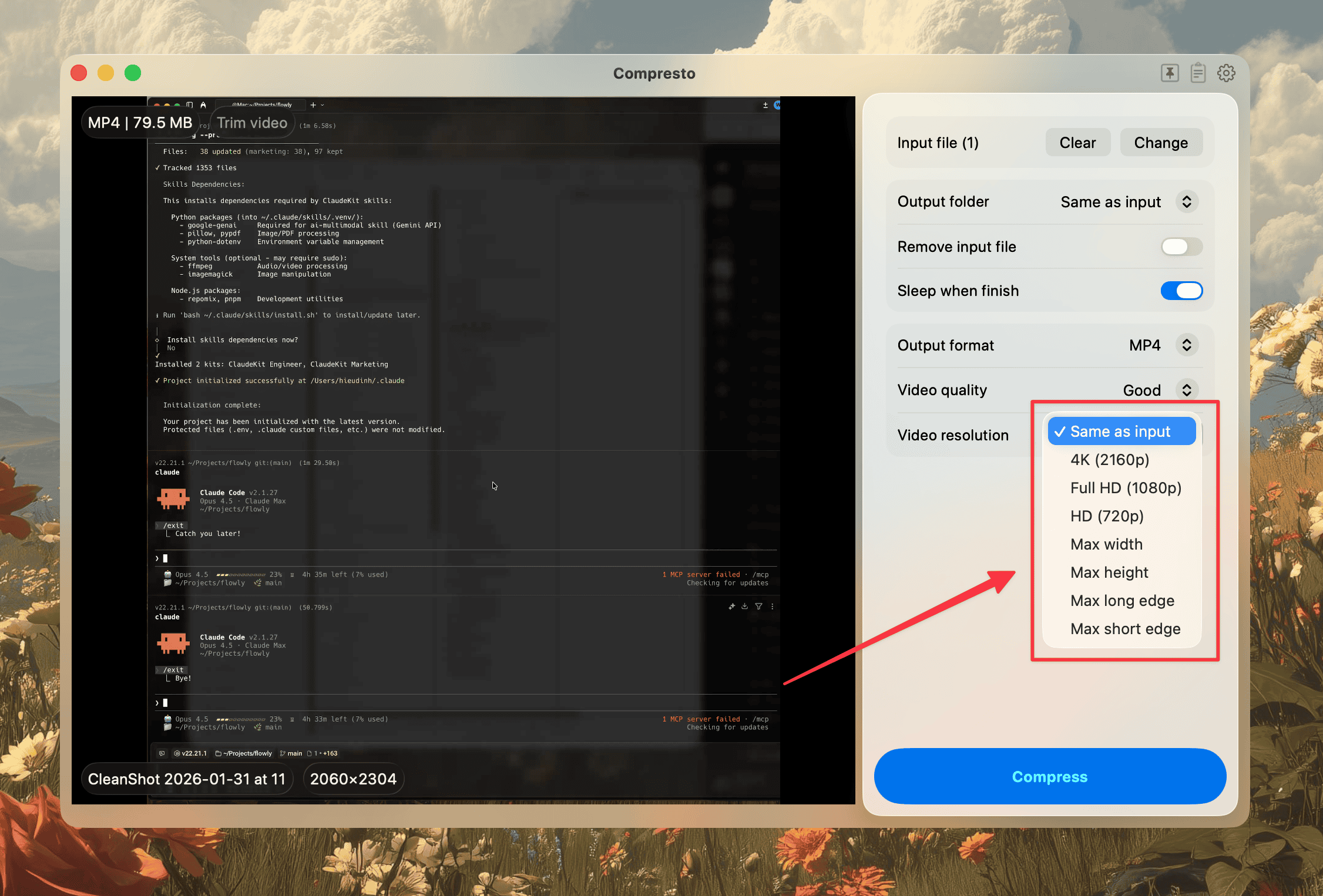
📐 Flexible Video Size Options
You can now resize videos by max width, max height, max long edge, or max short edge. This gives you precise control over output dimensions, whether you're targeting specific platforms or just need to fit a size constraint.
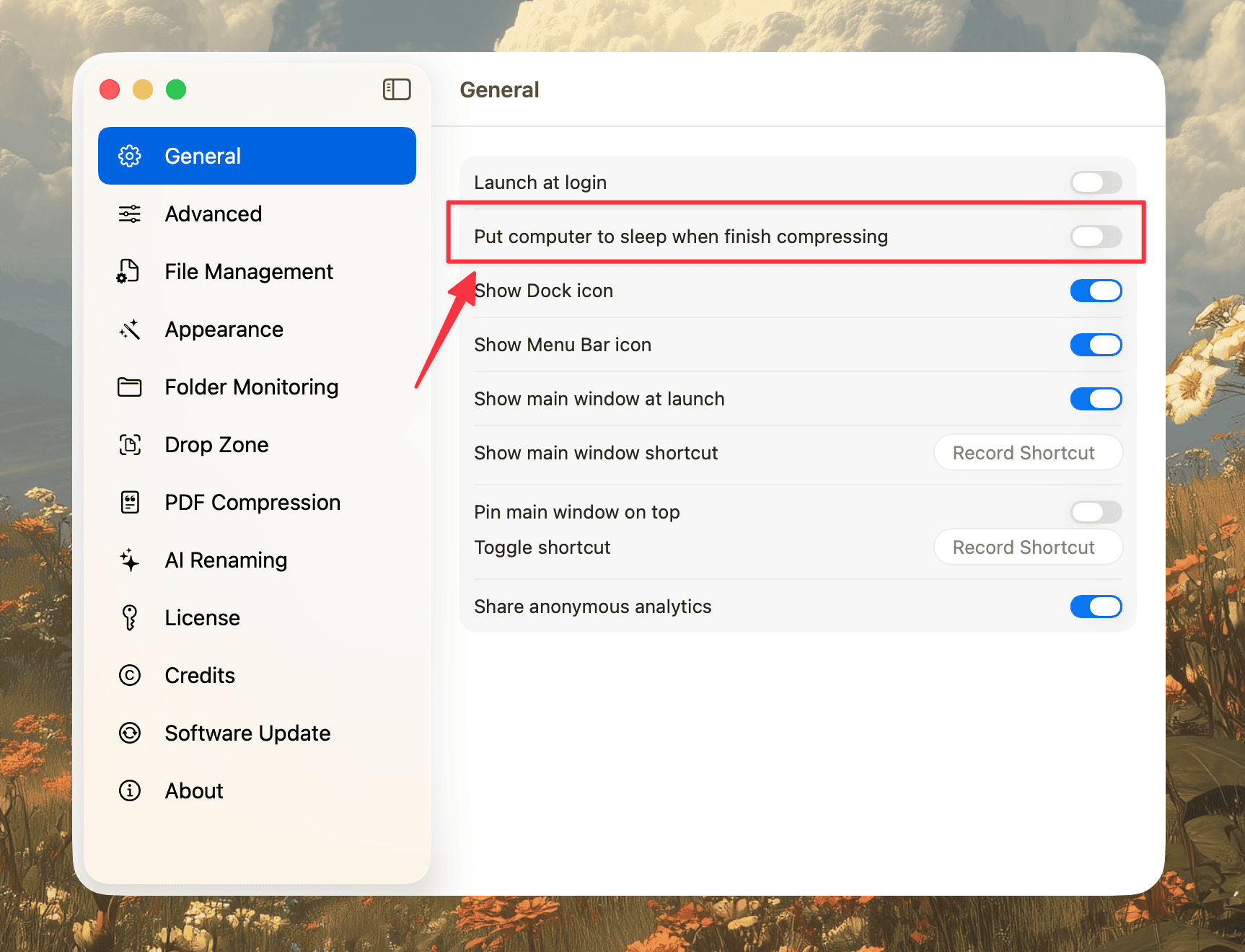
😴 Sleep When Done + Countdown Alert
Running a large batch overnight? Enable the new "Sleep when finish compressing" option and your Mac will go to sleep automatically when the job is done. You'll also get a 10-second countdown alert before it happens, so you can cancel if needed.
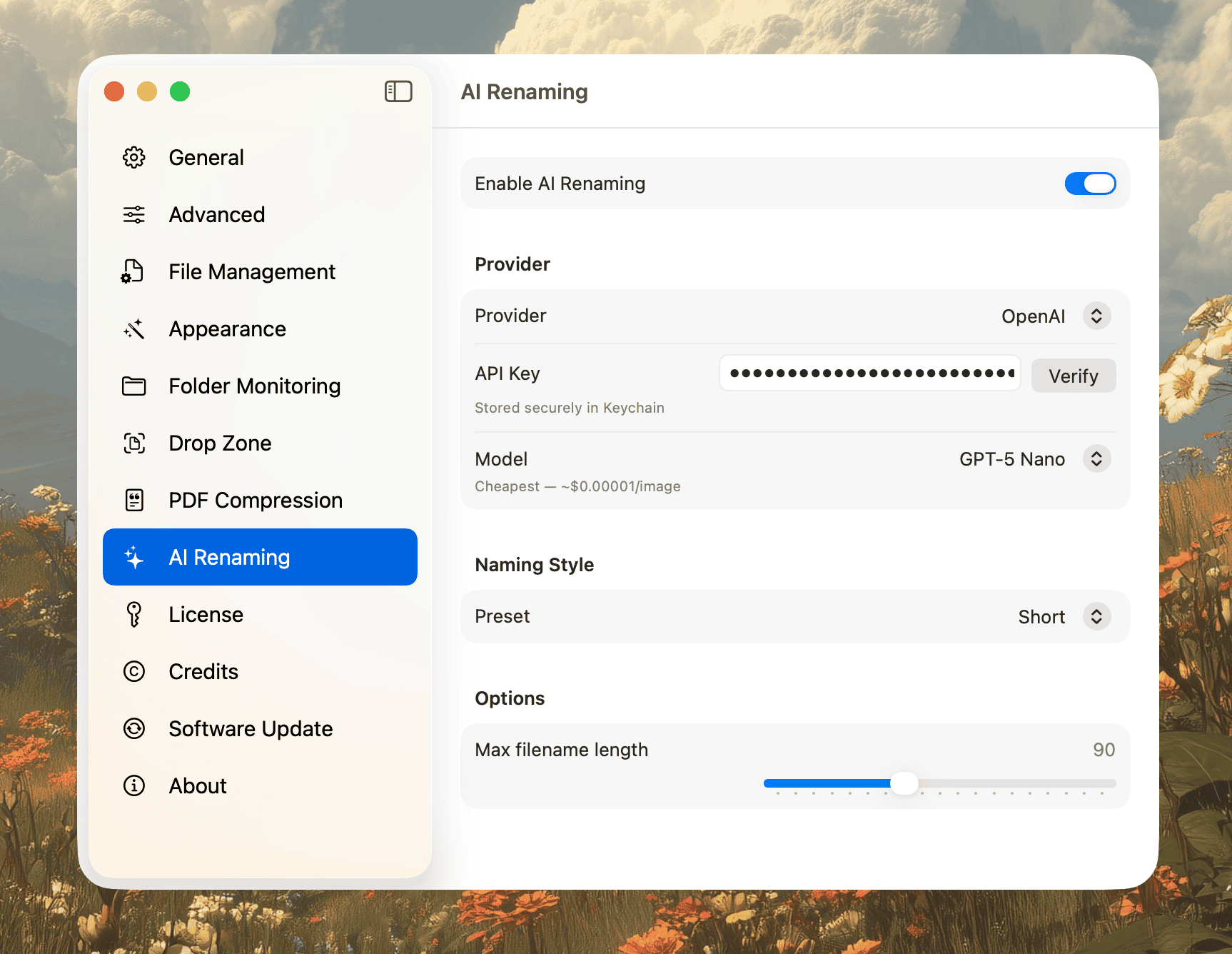
🤖 AI-Powered File Renaming
Compresto can now rename your files based on their actual content using OpenAI's vision API. Drop in a batch of images and get meaningful, descriptive filenames instead of IMG_0001.
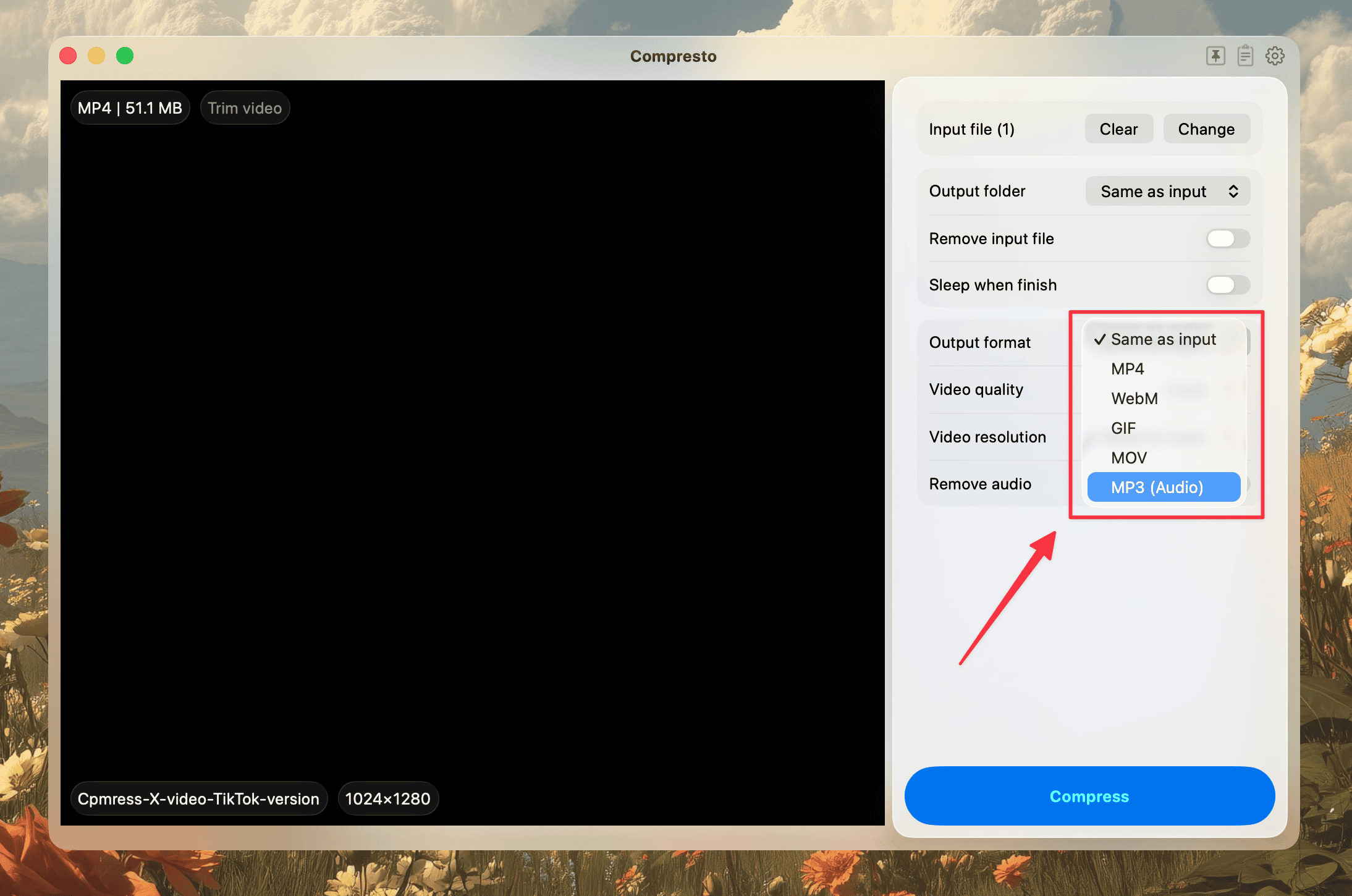
🎵 MP3 Audio Extraction
Need just the audio from a video? You can now extract MP3 audio directly from video files without any extra tools.
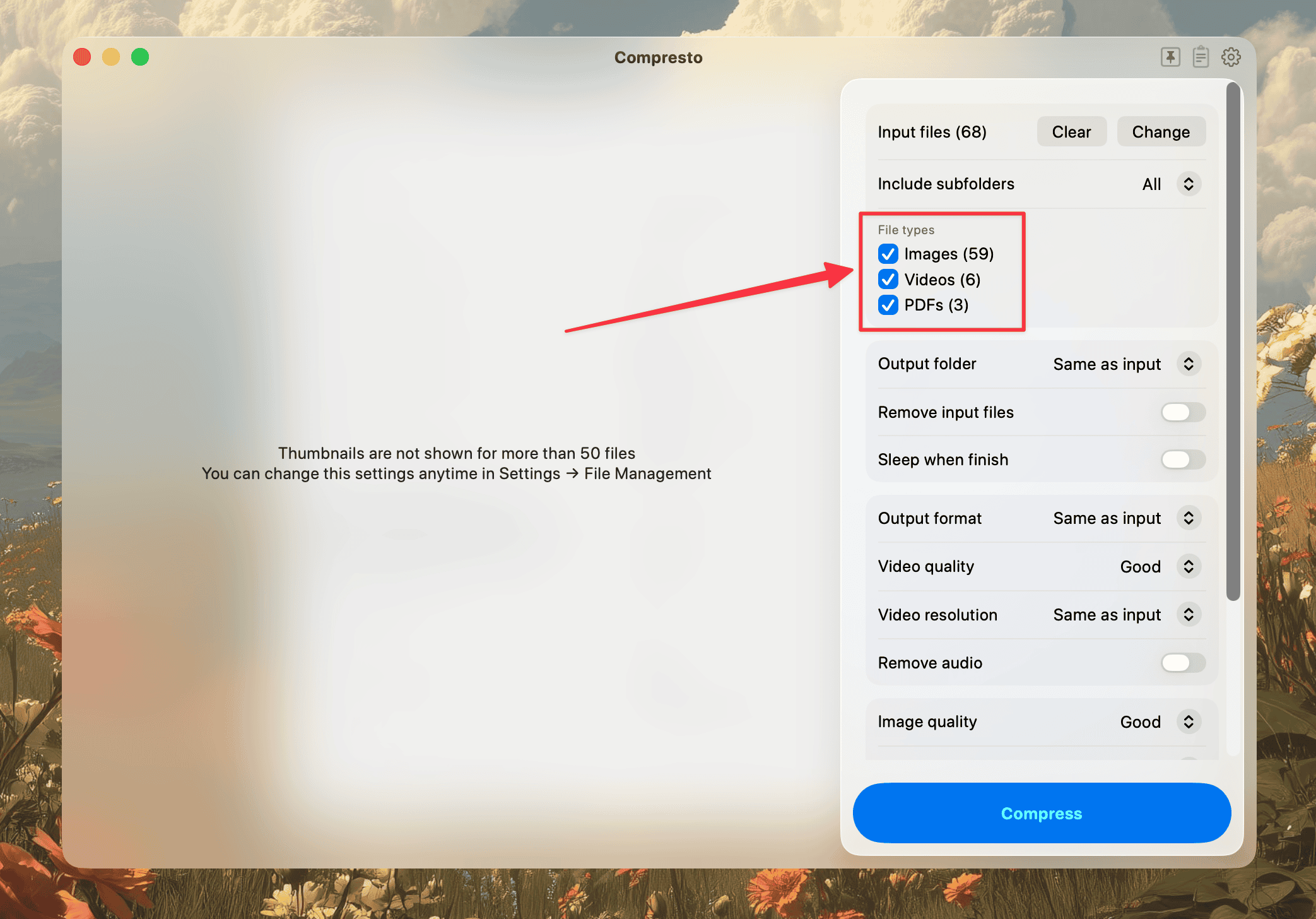
📁 File Type Filter for Folders
When adding a folder, you can now filter by file type so only the files you want get added to the compression queue.
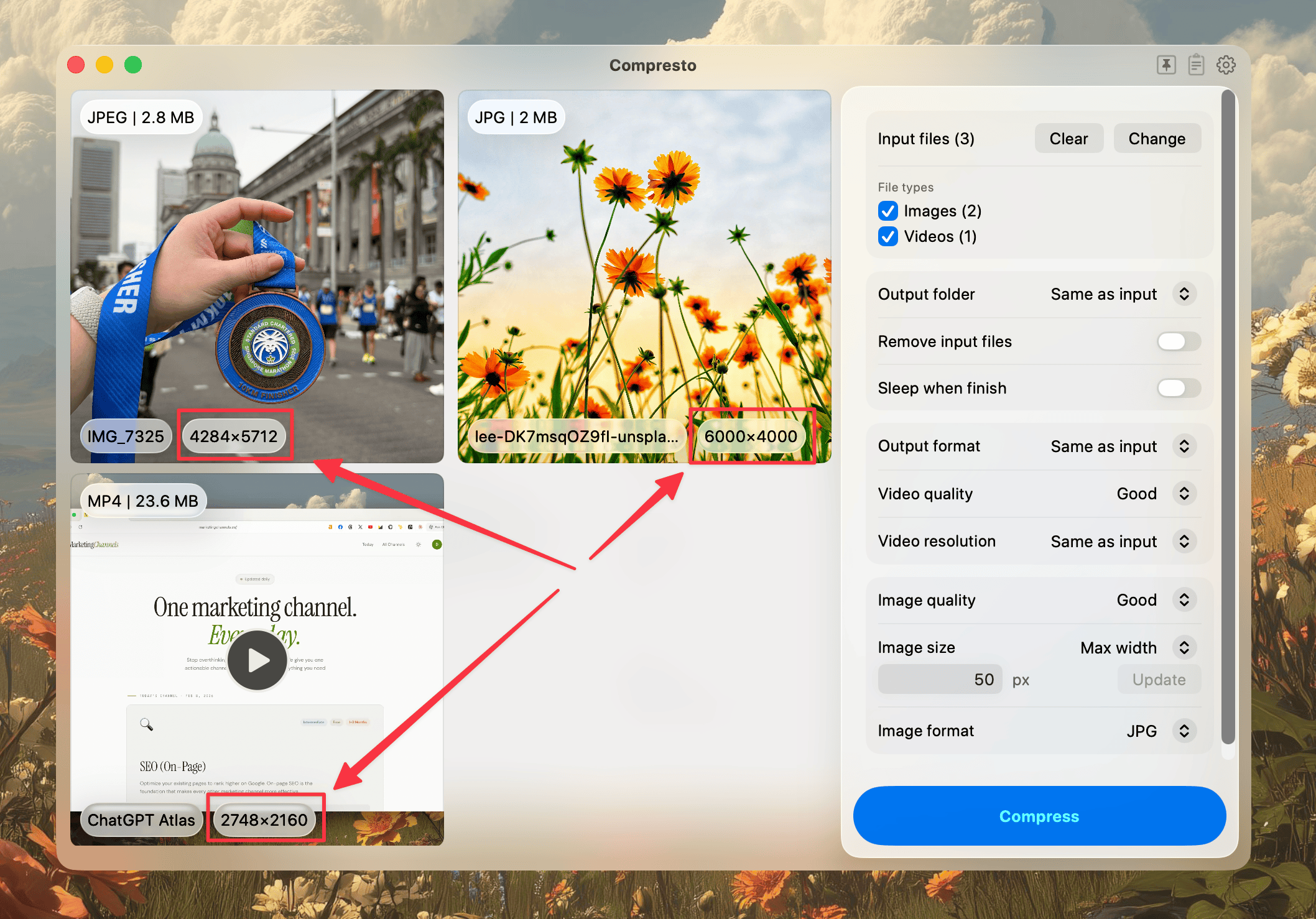
📏 Pixel Dimensions in Preview
File previews now show pixel dimensions as an overlay, so you can quickly check sizes without opening another app.
📄 Ghostscript Alert for PDFs
When selecting PDF files, Compresto now alerts you if Ghostscript is needed and provides clearer failure notifications when things go wrong.
🐛 Bug Fixes
- Fixed media dimensions not updating after compression
- Fixed PNG to JPG black transparency issue
- Preserved license state on network validation failures
We hope you enjoy this update. Your feedback keeps us going!