Compresto v1.23 update: Hello Liquid Glass!
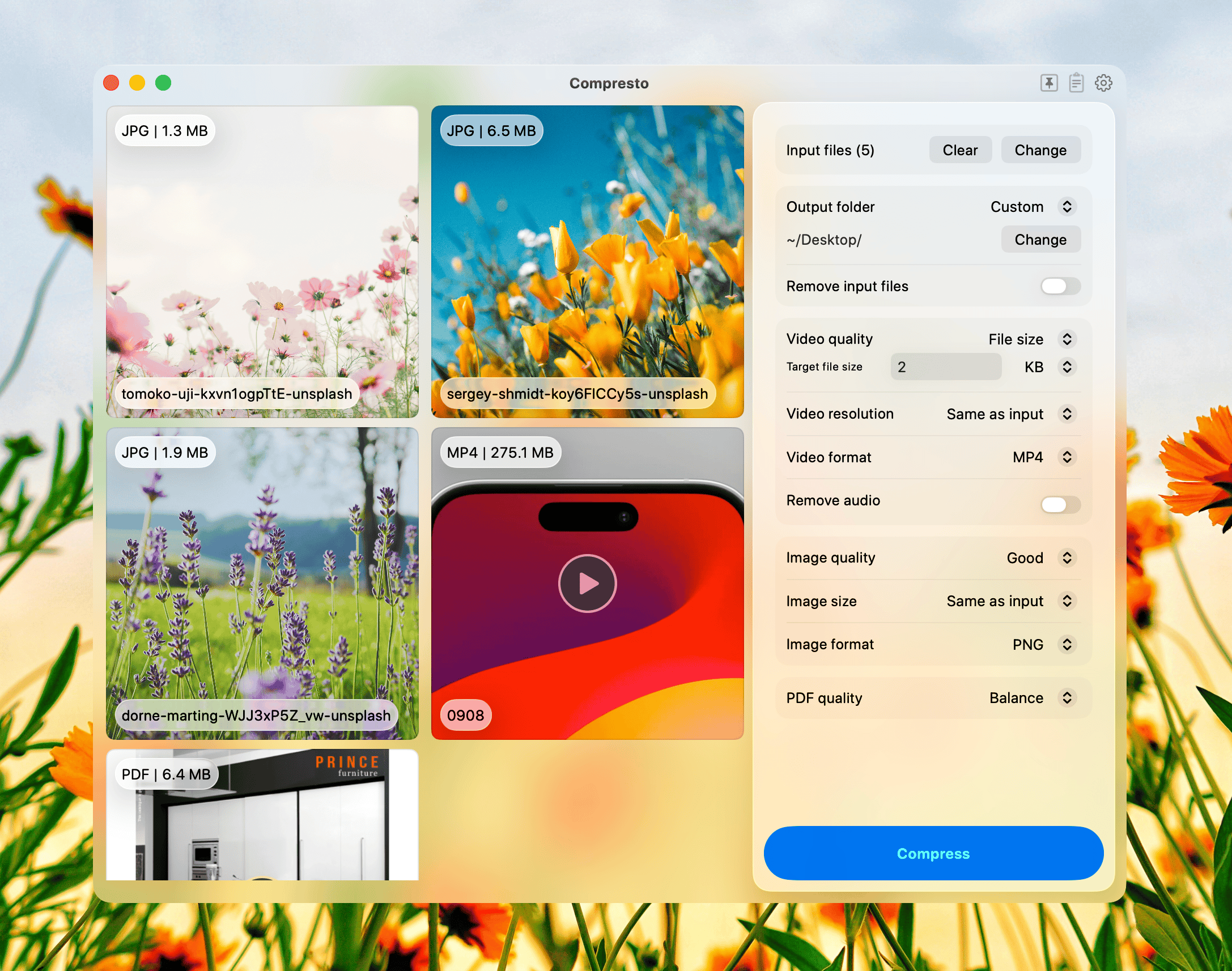
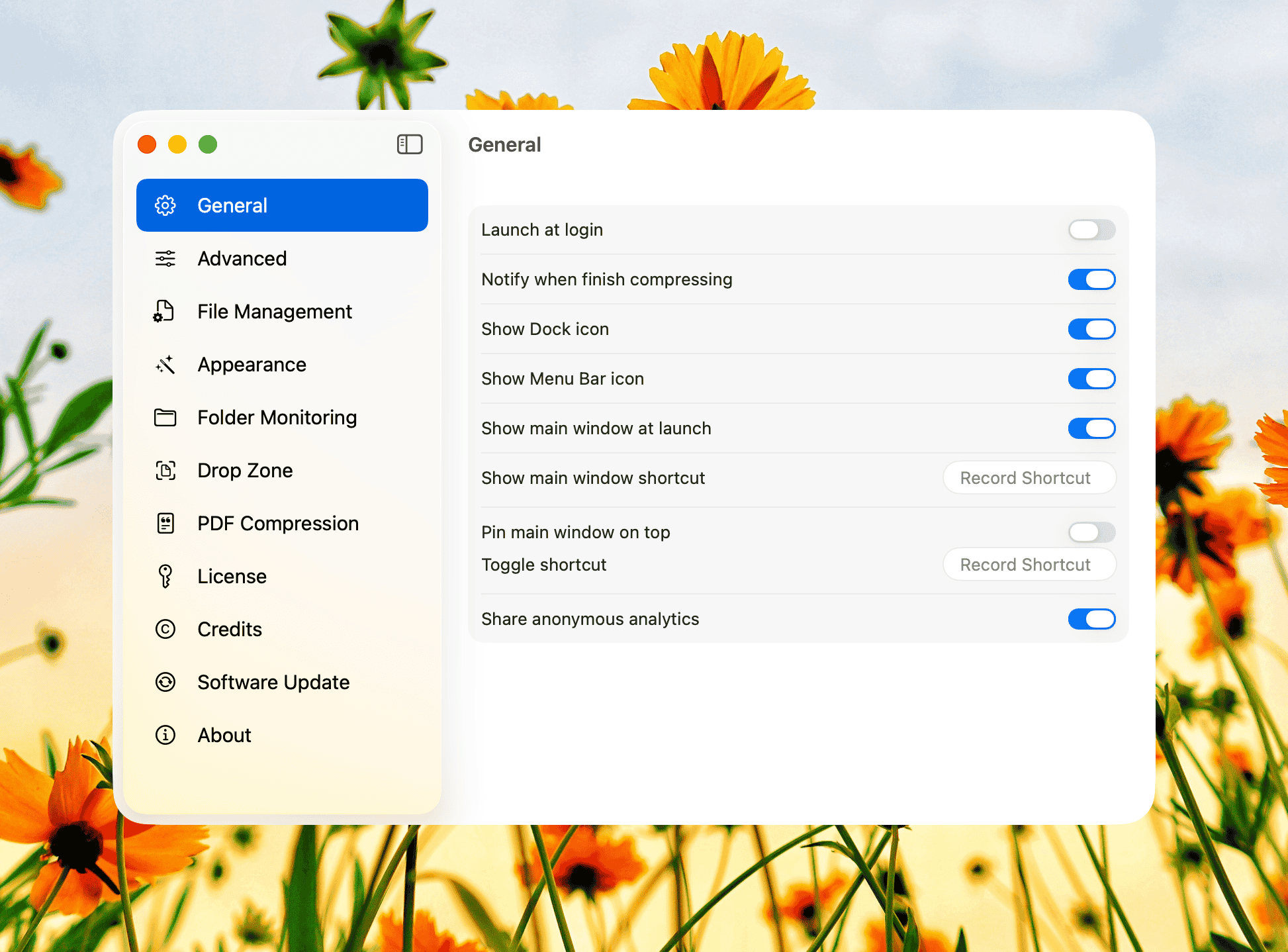
Compresto v1.23 debuts the new Liquid Glass design - a cleaner, lighter interface that puts your content first. You’ll notice:
— Smoother visuals and refined contrast for better readability
— Subtle depth and translucency that keeps focus on your files
— Visual language aligned with macOS 26’s Liquid Glass design for a more consistent, native feel
Plus, a few practical upgrades:
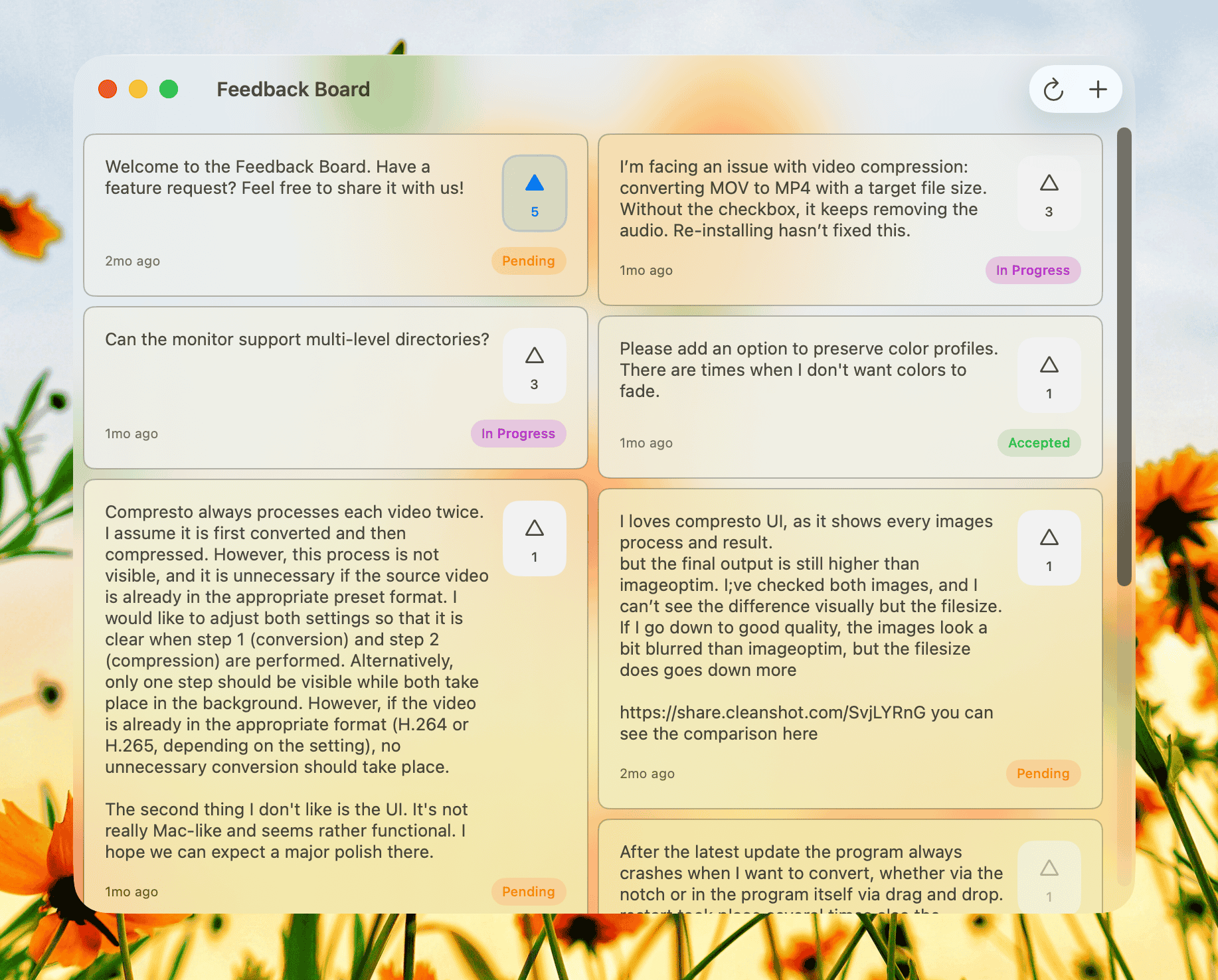
— Folder Monitoring now supports multi-level directories
— Fix for audio being removed in target file size compression
— Stability fixes for file drops and alternate app icon selection
Update to v1.23 to try the Liquid Glass refresh. If something feels off or you have ideas, just hit reply - I’d love to hear from you.
One more thing...
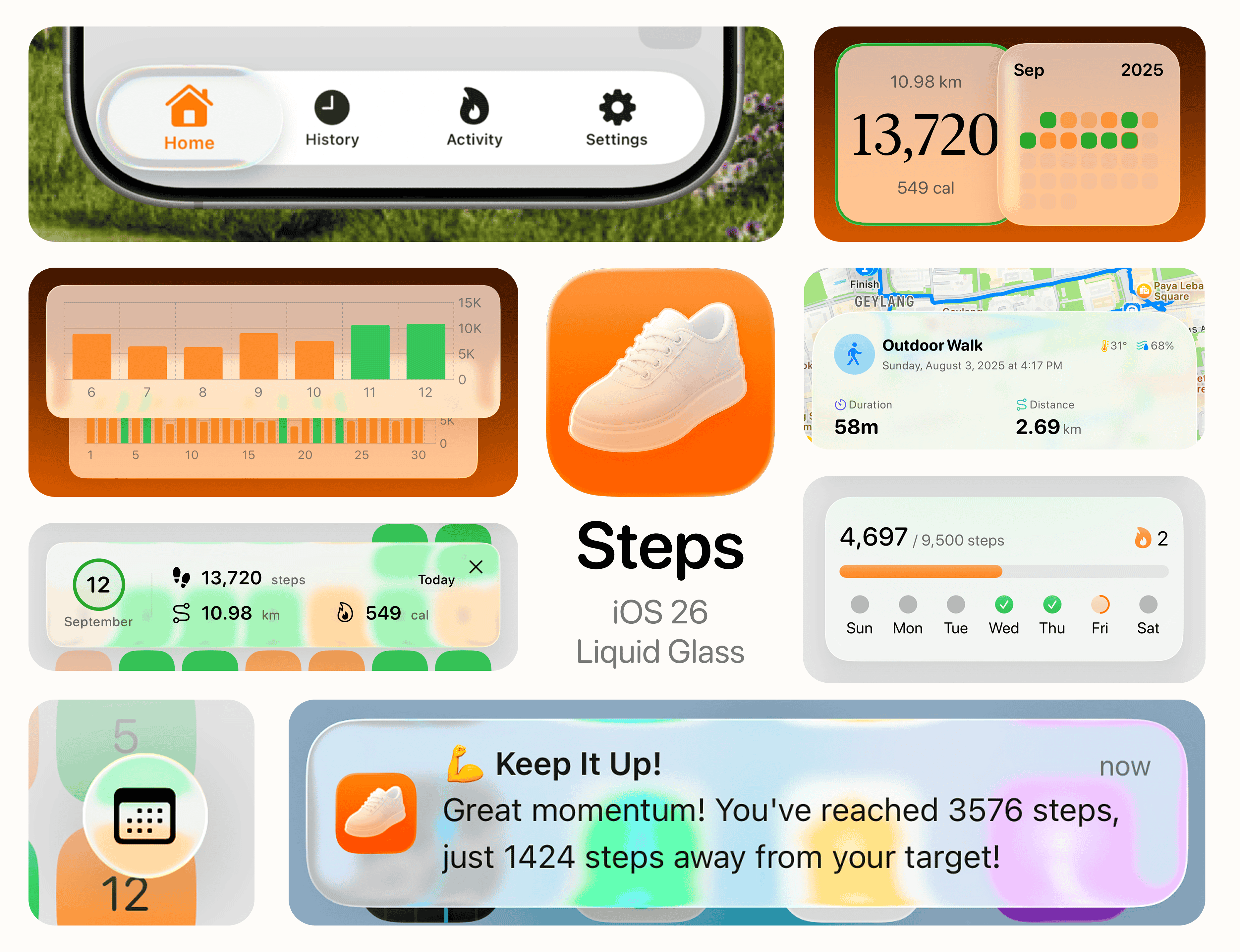
My iOS app Steps just got a fresh update with the new Liquid Glass design. It’s a step counter and fitness companion that makes tracking feel calm and motivating. With Apple Watch sync, workout analytics, and smooth visualizations, it turns every step into progress. There’s a 7-day free trial if you want to give it a try. I’d really appreciate any thoughts or feedback, what you like, what feels off, or what could be better.
Download it here
Again, thanks for using Compresto, and happy compressing!