> ## Documentation Index
> Fetch the complete documentation index at: https://compresto.app/docs/llms.txt
> Use this file to discover all available pages before exploring further.
# CPU cores limit
## Overview
Compresto allows you to limit the number of CPU cores used during compression. This setting helps balance compression performance with system responsiveness.
## Available Options
| Option | Description |
| ----------- | ---------------------------------------------------------- |
| **2 cores** | Minimal CPU usage, keeps system highly responsive |
| **4 cores** | Balanced CPU usage |
| **Max** | Uses all available cores for fastest compression (default) |
## When to Use
Limiting CPU cores can improve system performance during compression by:
* Keeping your Mac responsive while compressing large files
* Allowing you to continue working on other tasks during compression
* Reducing system heat and fan noise on intensive compression jobs
## How to Configure
Open Compresto
Go to **Settings** > **Advanced**
Adjust the **CPU cores for compression** slider
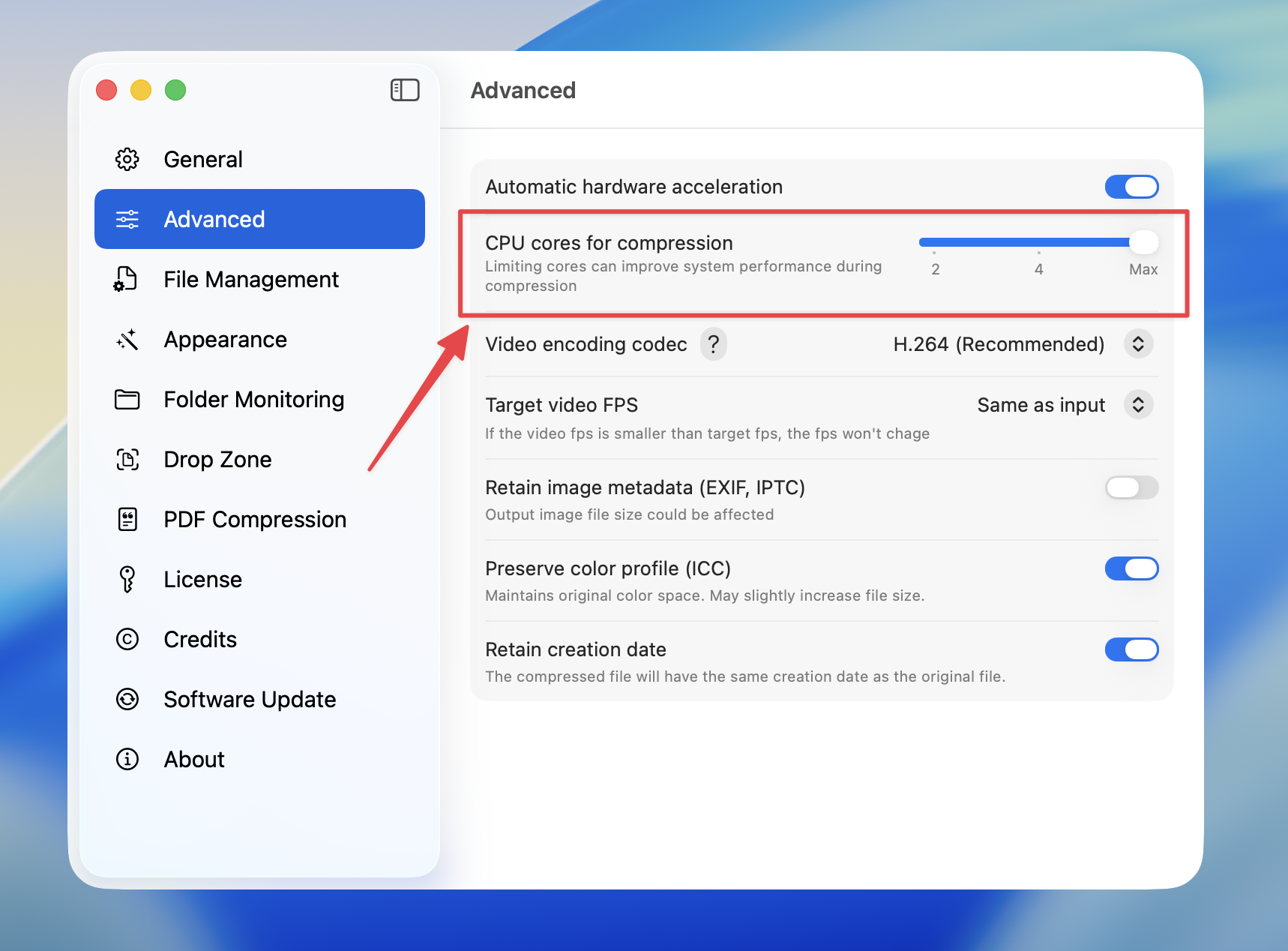 Using fewer cores will result in slower compression times, but your system will remain more responsive for other tasks.