> ## Documentation Index
> Fetch the complete documentation index at: https://compresto.app/docs/llms.txt
> Use this file to discover all available pages before exploring further.
# Confetti
> Show confetti animation when compression finishes
## Overview
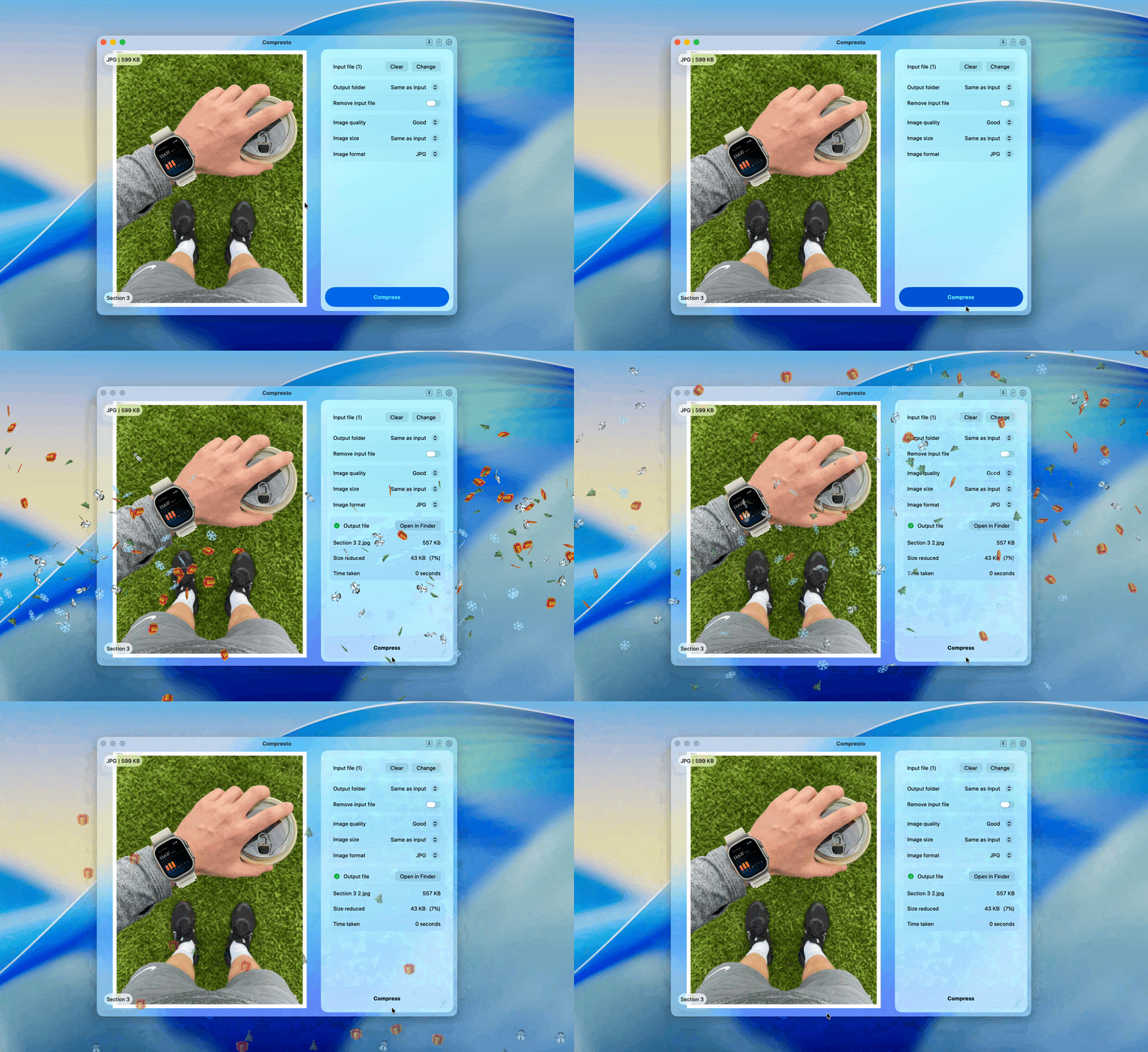
Compresto can display a fun confetti animation when your files finish compressing. This feature uses Raycast's built-in confetti effect.
## Requirements
* [Raycast](https://www.raycast.com/) must be installed on your Mac
* Raycast's Confetti extension must be enabled
## Setup
Install Raycast from [raycast.com](https://www.raycast.com/)
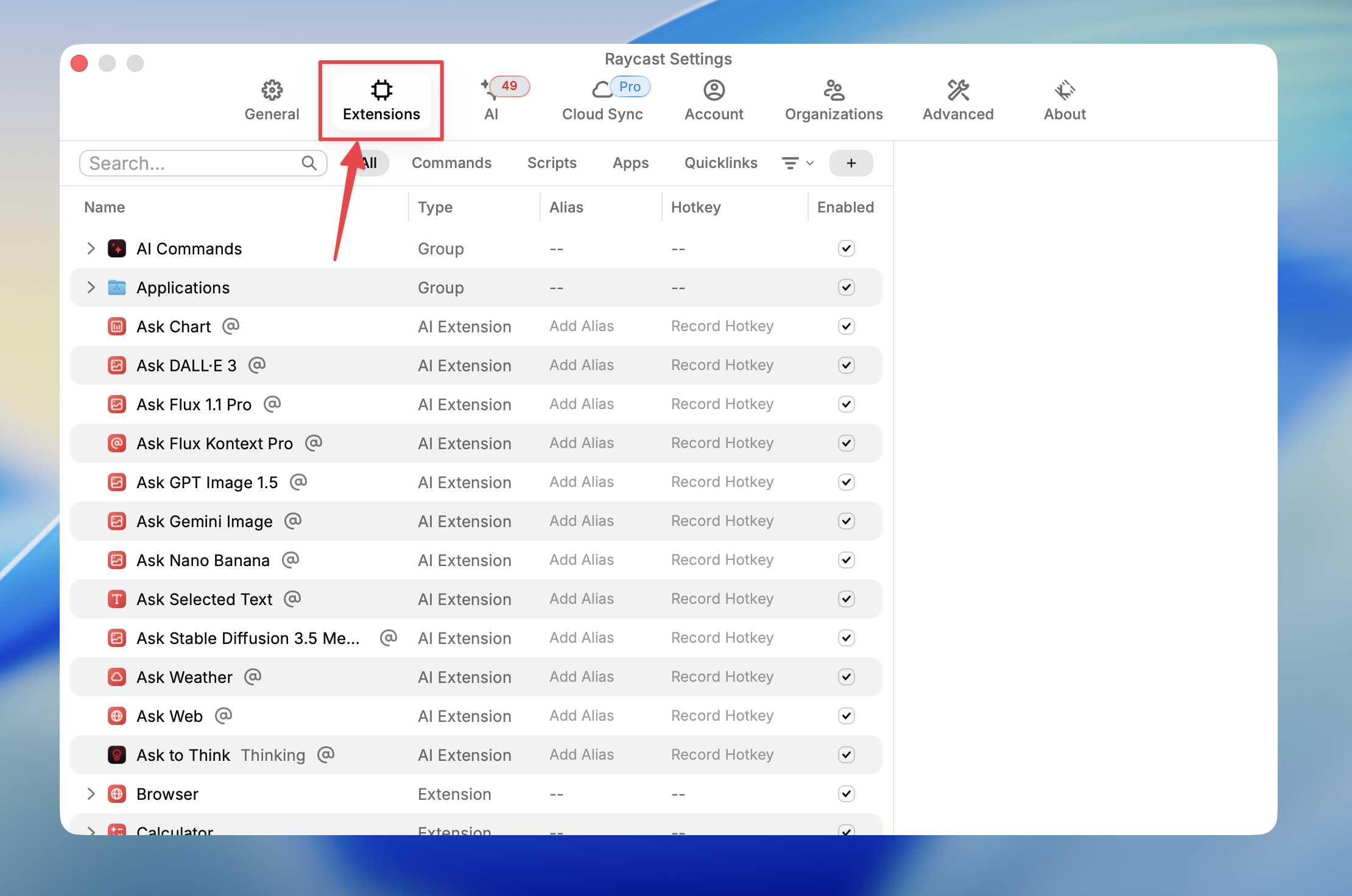
Open Raycast Settings and select the **Extensions** tab
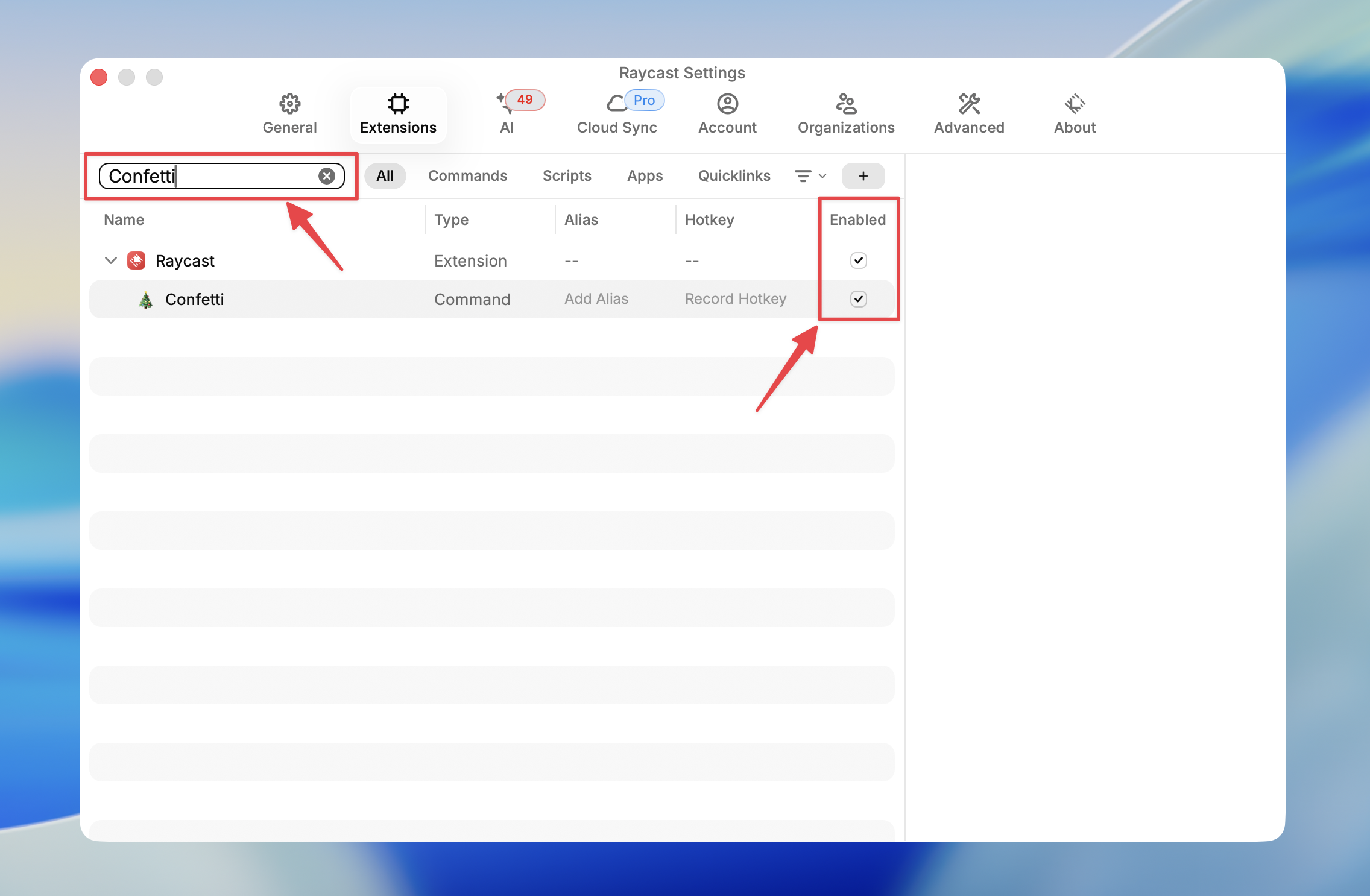
 Search for **Confetti** and make sure it's enabled
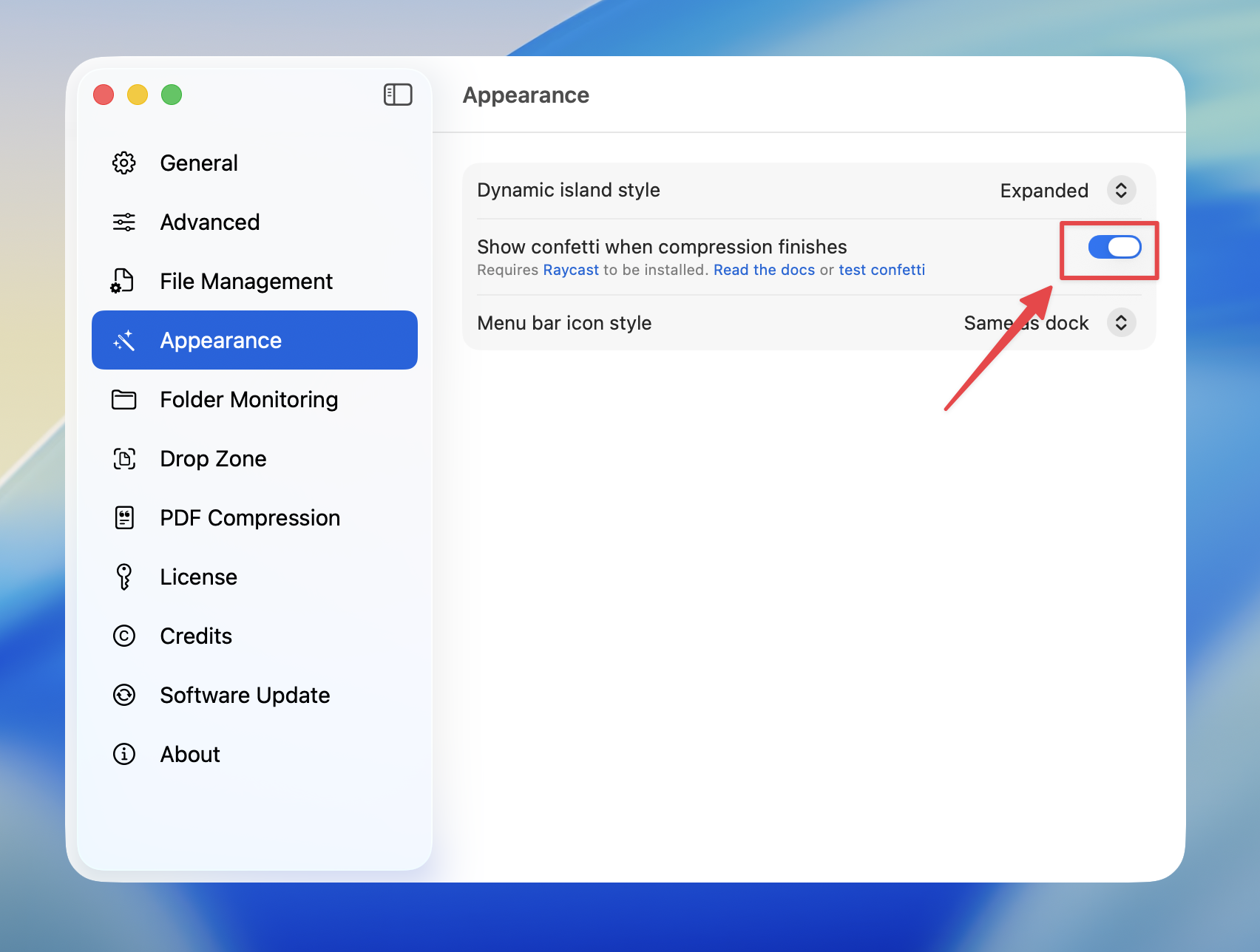
 In Compresto, go to **Settings** > **Appearance** and toggle on **Show confetti when compression finishes**
 Done! Confetti will appear whenever compression completes successfully
 ## How It Works
When compression finishes with at least one successful file, Compresto triggers Raycast's confetti animation via the `raycast://confetti` URL scheme.
If Raycast is not installed or the Confetti extension is not available, the setting will automatically disable itself.
## Test Confetti
You can test if confetti is working by clicking this link: [Test Confetti](raycast://confetti)
## How It Works
When compression finishes with at least one successful file, Compresto triggers Raycast's confetti animation via the `raycast://confetti` URL scheme.
If Raycast is not installed or the Confetti extension is not available, the setting will automatically disable itself.
## Test Confetti
You can test if confetti is working by clicking this link: [Test Confetti](raycast://confetti)